Call or Text Kearney 308-234-9335 | Hastings (402) 463-3456 | GI (308) 384-6939 | Lincoln (402) 483-6400
Facebook
LinkedIn
YouTube
Instagram
  • About Us
    • Return Policy
    • Authorized Apple Government Discount Program
    • Employment
    • Contact Us
    • Customer Portal
  • Repairs
    • iPhone Repair
    • Mac Repair
    • iPad & iPod Repair
    • Lenovo Repair
    • Apple Watch Repair
    • Beats & More Repair
    • AppleCare
    • General Repair Request
  • Services
    • Care+ Unlimited Tech Support
    • One-on-One Tech Training
    • Data Recovery Services
    • Electronic Recycling
    • Trade-In Program
  • Products
    • Apple
    • Lenovo
    • Sonos
    • Original HP Ink and Toner
    • Pre-Owned / Close Outs
  • Education
    • Education Website
    • ESU Repair Request
    • Submit a Device Repair Request
    • K-12 BuyBack
  • Resources
    • Blog
    • How to Turn Off ‘Find My Device’
  • Locations
    • Kearney
    • Hastings
    • Grand Island
    • Lincoln
  • Appointments

Keep Your Contacts Current by Adding Siri-Suggested Content

January 7, 2024Apple, MacKelsey Jezbera

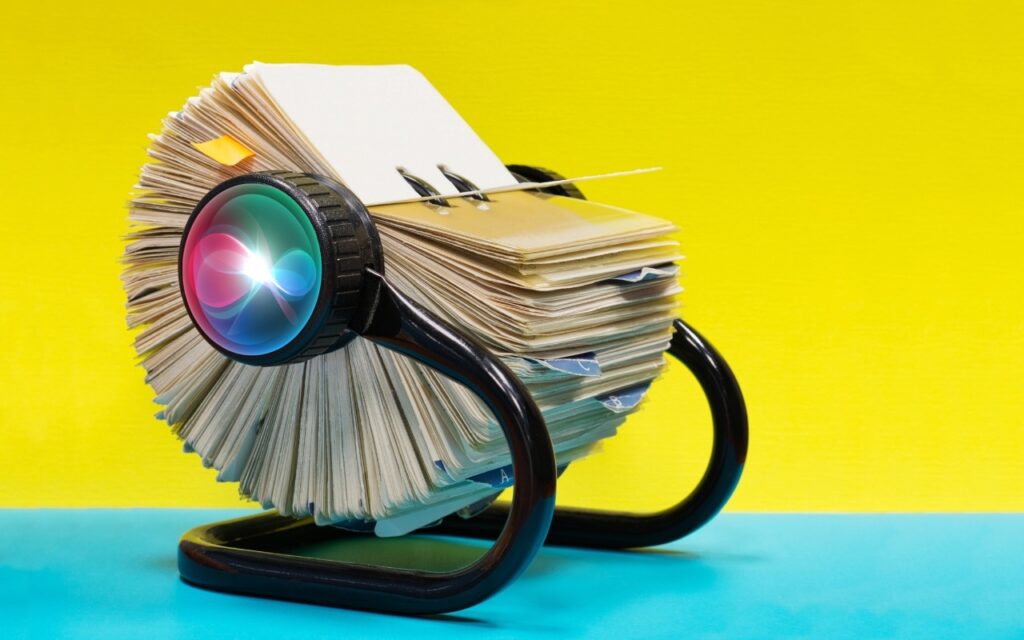
Remembering to update your contacts with new email addresses, phone numbers, and postal addresses can be hard. But if you’ve received that information in Mail or Messages, Siri’s data detection capabilities can help. Open Contacts on the Mac and press the Down arrow to cycle through your contacts. When you see one with information in…

How to Merge Two Similar Folders in the Mac’s Finder

January 6, 2024Apple, MacKelsey Jezbera

You’ve ended up with two folders whose contents—hundreds of files or more—are similar but not identical. Perhaps you’re recovering from a sync failure, or maybe you pulled an old version of the folder from a backup and aren’t sure what’s different. Regardless, here’s how you can merge them in the Finder. Make sure the folders…

Time Machine Now Offers Daily and Weekly Frequencies

January 5, 2024Apple, MacKelsey Jezbera

Since its inception, Time Machine has backed up on an hourly schedule. It then keeps hourly backups for the previous 24 hours, daily backups for the last month, and weekly backups back to the start of the backup. Once free space on the backup drive gets low, Time Machine deletes older backups to make room…

With Storms Increasing, Protect Your Tech Gear from Damaging Power Fluctuations

September 13, 2023Apple, iPad, MacKelsey Jezbera

It has been a tough year for extreme weather events. While the connection between weather and technology may seem tenuous, heat waves, high winds, and lightning strikes can play havoc with all sorts of powered and networked electronic devices. Anything that causes power fluctuations—spikes, surges, sags, brownouts, and blackouts—can hurt your tech gear. Protecting your…

Keep Your Apple Devices Cool in the Summer Heat

August 14, 2023Apple, iPad, MacKelsey Jezbera
June 2023 was the hottest month on record for the planet, at least until July 2023. Among the many ill effects of such heat are what it does to iPhones, iPads, Macs, Apple Watches, and other digital devices. Excessive heat shortens the overall lifespan of lithium-ion batteries and increases the likelihood of both transient errors...

How Often Should Macs Be Replaced?

May 25, 2023Apple, MacKelsey Jezbera
It’s a question as old as the personal computer. When should you replace your current Mac with a new model that’s faster and more capable? If money were no object, the answer would be easy—whenever you feel like it. For the rest of us, and particularly for organizations with multiple Macs and limited budgets, the...

Use Quick Look to Preview Spotlight Results in Ventura

February 8, 2023Apple, MacKelsey Jezbera

When you search using Spotlight on the Mac, it provides a decent amount of information about each result, including name and other metadata. But what if you want to see what’s behind the search result? In macOS 13 Ventura, Apple added Quick Look support to Spotlight so you can easily preview the search results. Do…

You Can Now Upgrade to macOS 13 Ventura When You’re Ready

February 7, 2023Apple, MacKelsey Jezbera

When upgrading to a new version of macOS, we err on the side of caution, at least in our recommendations. (We’ve been using macOS 13 Ventura for some time now and often install beta releases on secondary machines for testing purposes.) Upgrading is easy, but if you upgrade too soon, the new macOS version could…

AutoFill in Safari Not Working? Set “My Card” in Contacts

January 26, 2023Apple, MacKelsey Jezbera

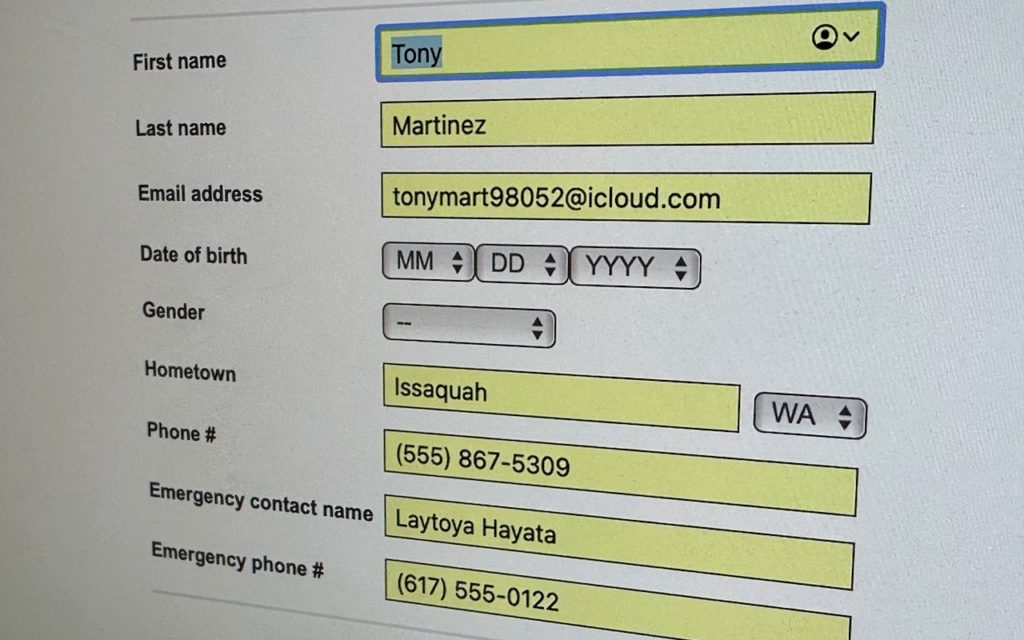
We heard from a client that AutoFill in Safari suddenly stopped entering her name and address in Web forms when she chose Edit > AutoFill Form or pressed Command-Shift-A, forcing her to enter her contact information manually, like an animal. (And yes, the “Using information from my contacts” checkbox was selected in Safari’s AutoFill preferences.)…

Upgrade Past macOS 10.15 Catalina to Keep Getting Microsoft Office Updates

January 20, 2023Apple, MacKelsey Jezbera

We aren’t quite ready to recommend that everyone upgrade to macOS 13 Ventura, but if you use Microsoft Office with macOS 10.15 Catalina, you should start planning for an upgrade. Microsoft has announced that current versions of its productivity suite—Office for Mac 2019, Office for Mac 2021, and Microsoft 365—will receive updates only if your…

Posts pagination

< 1 2 3 4 5 6 … 19 >

Recent Posts

  • Keep Sensitive Data Private by Disabling AI Training Options
  • When to Trust AI Tech Answers (And When to Call Us)
  • Follow This Advice Before Switching to a New iPhone 17
  • Apple Unveils New iPhone 17 Lineup, Updated Apple Watches, and AirPods Pro 3
  • Blood Oxygen Monitoring Returns to Recent US Apple Watches with Software Updates

Categories

Archives

Facebook
Twitter
LinkedIn
YouTube
Instagram

Kearney

2315 2nd Ave
Kearney, NE 68847

308-234-9335

308-234-9335

Hastings

1001 W 2nd St
Hastings, NE 68901

402-463-3456

402-463-3456

Grand Island

2720 Old Fair Rd
Grand Island, NE 68803

308-384-6939

308-384-6939

Lincoln

235 S 70th St Ste 101
Lincoln, NE 68510

402-483-6400

402-483-6400

Questions? Contact Us Now!

Contact Us

Home

About Us

  • Return Policy
  • Privacy Policy
  • Financing
  • Employment
  • Contact Us
  • Customer Portal

Repairs

  • iPhone Repair
  • Mac Repair
  • iPad & iPod Repair
  • Lenovo Repair
  • Apple Watch Repair
  • Beats & More Repair
  • AppleCare
  • General Repair Request

Services

  • Care+ Unlimited Tech Support
  • One-on-One Tech Training
  • Data Recovery Services
  • Electronic Recycling
  • Trade-In Program
  • Remote Tech Support

Products

  • Apple
  • Lenovo
  • Sonos
  • Original HP Ink and Toner
  • Pre-owned Inventory

Resources

  • Blog
  • How to Turn Off ‘Find My Device’
  • Education Resources
  • Donations

Copyright © 2022 Computer Hardware.

Powered by web design kearney, ne