
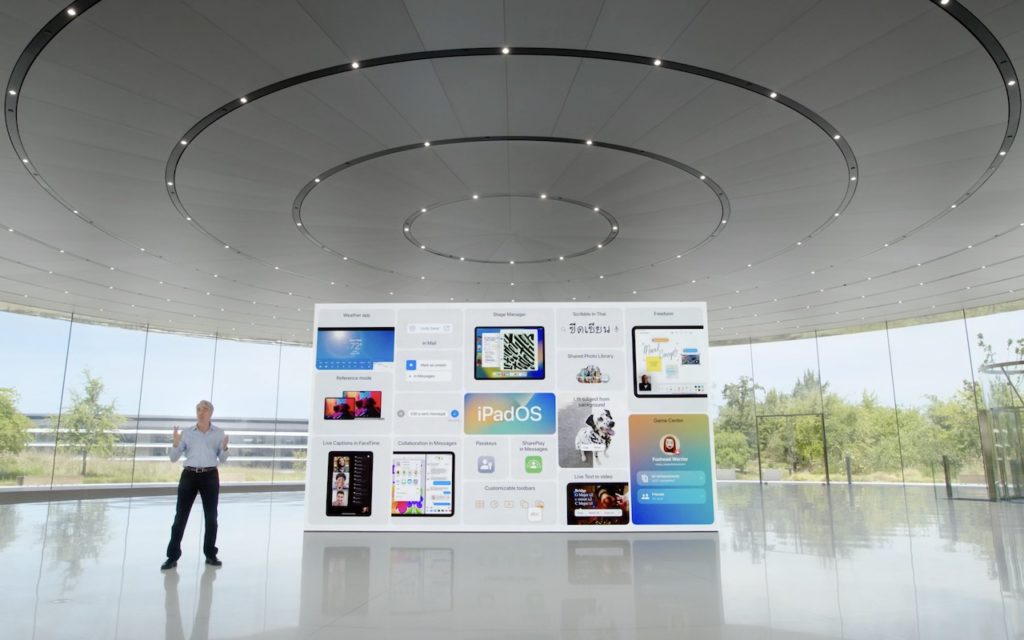

11 Features to Look Forward to in Apple’s 2022 Operating Systems
It’s that time of year again. Apple CEO Tim Cook and numerous...
Read More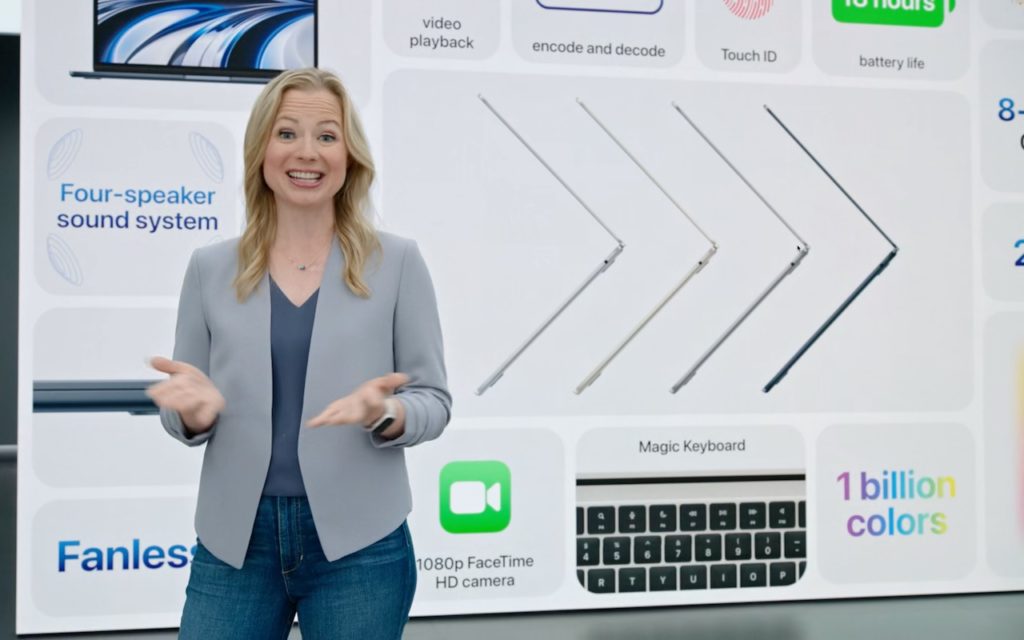
Apple Previews M2-Based MacBook Air and Updated 13-Inch MacBook Pro
During its Worldwide Developer Conference keynote on June 6th, Apple took a...
Read More
Where to Find Lyrics in Apple’s Music Apps
It’s often tough to figure out exactly what a singer is saying...
Read More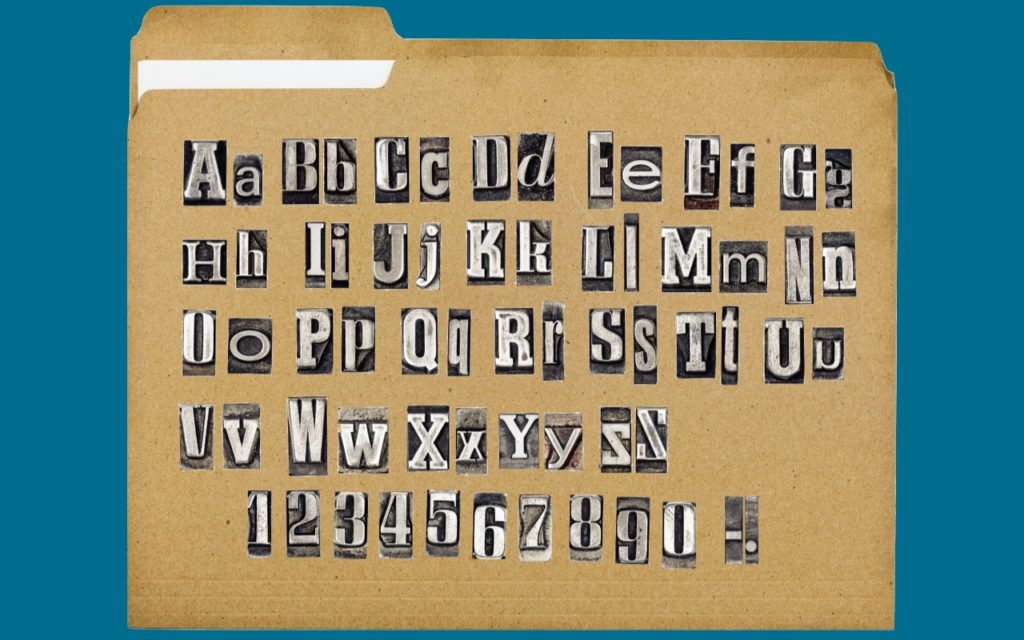
The Best Characters to Use When Naming Files and Folders
Back in the early 1980s, DOS filenames couldn’t be more than 8...
Read More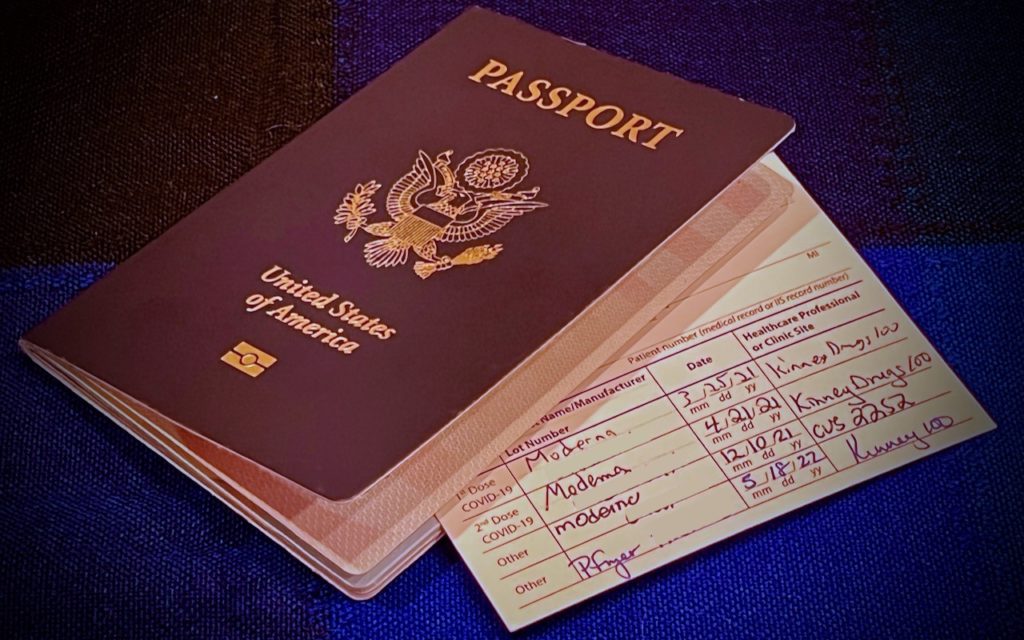
Use the iPhone Camera’s Zoom to Avoid Glare, Reflections, and Shadow
We increasingly need to take photos of documents—vaccination cards, driver licenses, passports,...
Read More
Easily Share Wi-Fi Passwords with Other People and Devices
You’re on vacation with your family, staying in an Airbnb, with multiple...
Read More
How to Recover from Overzealous Auto-Correct Curly Quotes
Most of the time, it’s appropriate when an auto-correct feature turns single...
Read More
Don’t Miss the List Views in the iPhone’s Calendar App
The iPhone’s Calendar app defaults to graphical views for Day, Week (rotate...
Read More
Put Files in the Mac’s Trash Using the Keyboard
You know that you can drag files or folders to the Trash...
Read More
Copy and Paste Like a Pro with a Clipboard Utility
For our money, perhaps the most unheralded innovation of the computer age...
Read More