


How to Avoid Embarrassment During Online Presentations or Screen Sharing
Along with the now-ubiquitous videoconferencing, screen sharing and online presentations have become...
Read More
Don’t Store Confidential Files in Online File Sharing Services
Given their integration into the Mac’s Finder, it can be easy to...
Read More
Not a Fan of Big Sur’s Translucent Menu Bar? Here’s How to Disable It
In macOS 11 Big Sur, Apple went back to a design direction...
Read More
Manage Your Apple Purchases and Subscriptions on the Mac and iPhone
Last quarter, Apple’s Services segment generated a whopping $15.8 billion in revenue,...
Read More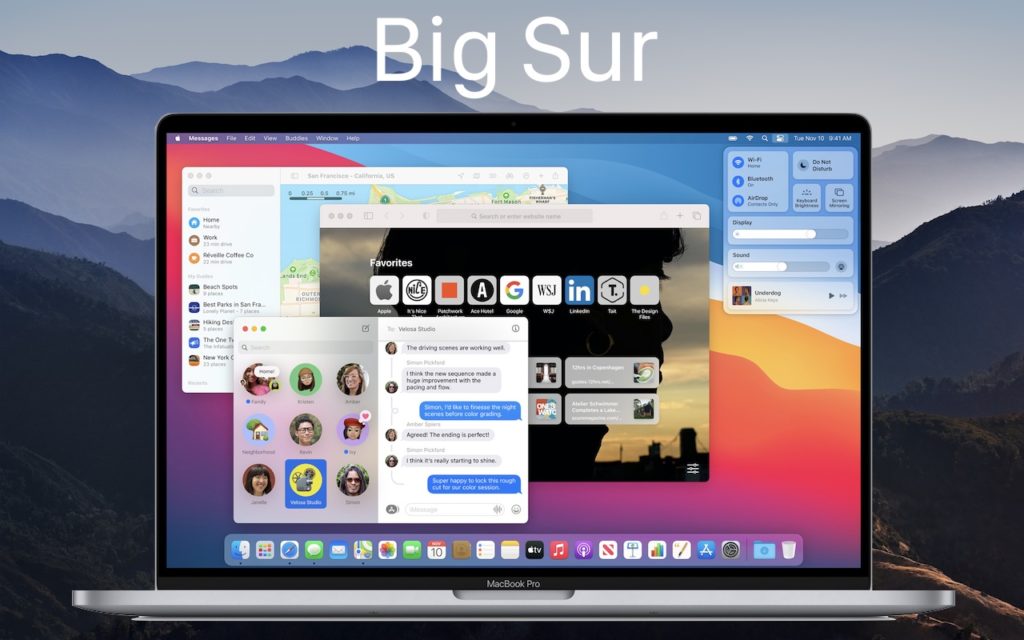
It’s Time to Consider Upgrading to macOS 11 Big Sur
We’re cautious when it comes to recommending upgrades to new versions of...
Read More
Choose Your Preferred Default Web Browser and Email App in iOS and iPadOS 14
Since the earliest days of the iPhone, Apple’s Safari and Mail have...
Read More
Having Trouble Finding Files on Your Mac? Here’s How to Reset Spotlight
For the most part, Spotlight works well. Press Command-Space or use the...
Read More
Keep Your Mac Quiet at Night and During Presentations with Do Not Disturb
We’re all accustomed to the Do Not Disturb feature on our iPhones...
Read More
Getting Started with 1Password
We’ve long recommended that everyone use a password manager like 1Password instead...
Read More
Reclaim Local Storage Space by Removing iCloud Drive Downloads
With iCloud Drive, Apple provides an Optimize Mac Storage checkbox that, when...
Read More